What it was like to work intensively with several AIs on software development as a junior
What it was like to develop software using several AIs intensively as a junior developer: what changes in learning, where the tool helps and where it gets in the way of someone who is still building their repertoire?
At the beginning of my journey, I went through several serious challenges at my company, our main service was discontinued and we, a company of 5 people, were constantly looking for new technologies. Which in theory shouldn’t be a problem for a DEV, but it was for me.
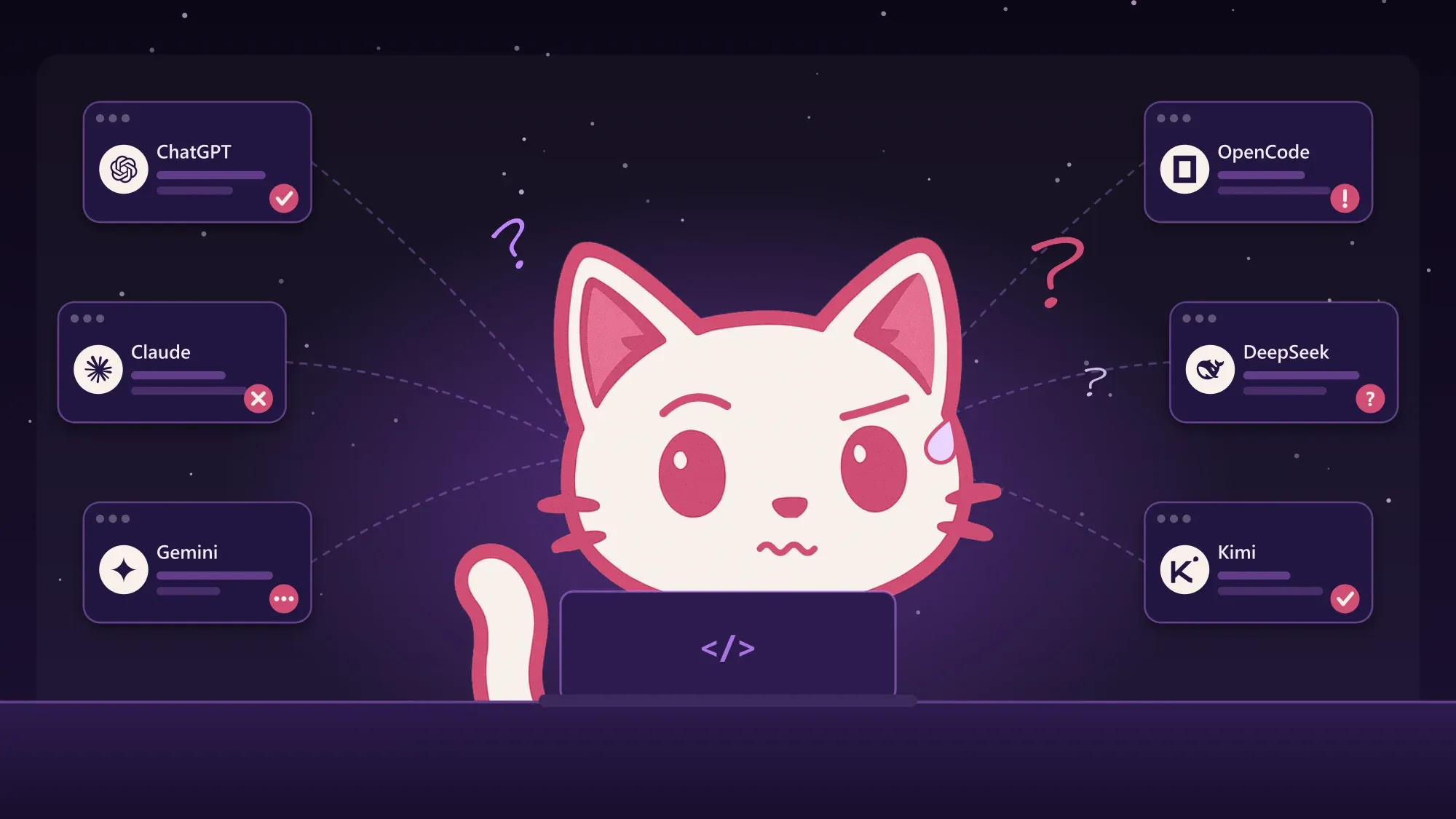
Each one of us has basically been working on several projects to try to innovate, to increase our value in software, and we are working on it. I’m a backend DEV specialized in Python, TypeScript and AI, and I made several projects to help improve my productivity while I was studying, and that ended up helping me in my job, I always tend to make my own apps, my automations, my system designs, and I ended up taking this to another level after I really started making a living from it:
The first one, “Felixo-System-Design”, is a repository of vibe coding best practices that I created to help me and help other people follow a quality standard that is already consolidated in development, without having to worry about the same things every time.
It works as a central base of standards that goes along with each project, picture it as a ready-made development skeleton that I always use. The mandatory part brings together frontend, backend and README design systems, a minimal quality guide, like a project with several mandatory steps that your agent must follow before starting, and to continue a project, base prompts and a template of the IA.md file, where the AI records its decisions so the next session can pick up where the previous one left off (making it easier to use with several agents). Every program also gets a start_app.py, a menu that installs, configures and starts, for non-technical people, it makes it easier to install the dependencies and tools needed to run your own project (personally, this was one of the best ideas I've ever had in my projects). The optional part is guides taken from real projects, like particles and glow, activity heatmap and hierarchical tree, to use only when the project asks for them (your agent will know how to use them). The felixo command downloads the latest version into any project, you only need to run one command in your terminal and everything installs automatically.
(More details in future posts)
The second was “Felixo-AI-Core”, it's a very ambitious project, which started out with a different proposal from what it is today and which coincidentally ended up becoming my main open source project at the moment, it's an Electron application (a desktop app) that is used to spawn, orchestrate, monitor and develop any application using multi-agents, a very powerful and creative tool that lets you make it easier to use AI for complete, repetitive and extensive tasks in which maybe 1 agent wouldn't be very efficient. It can be used for development or for everyday tasks (friendly for non-technical people).
It's a desktop application, made with Electron and React, that turns the AI CLIs you already use in the terminal, like Claude, Codex and Gemini, into blocks on a visual canvas. Agents, terminals, files, notes and web pages sit side by side, and you can have more than one account of the same CLI and keep track of the usage limit of each one, in addition to making it easier to use the OS for any task. The project's motto is “Stop switching AIs. Start orchestrating.” It is the core of the FelixoVerse ecosystem and the biggest project of Felixo at the moment.
(More details in future posts)
“/Openia” is a very interesting project that lets you easily use any artificial intelligence model (Literally any model, even the Chinese ones) through the Claude Code interface, a simple step-by-step that allows anyone to use any artificial intelligence model in the terminal to do any task on the PC (Native integration with AI Core).
It's a small Python program that opens a menu to choose a terminal AI CLI, install it and open it already configured with your OpenRouter key, without memorizing commands or environment variables. The key is kept only on your machine. The list of models comes live from the OpenRouter API, organized by company and with the price of each one. Among the interfaces is Claude Code, opened with the model you choose. Felixo AI Core can use Openia as a launcher.
(More details in future posts)
This project is for you to pull metrics on your AI usage through OpenRouter, showing which models are performing well, which models spend more, which models spend less, etc, very interesting for those who are entering this world of open models and are afraid of burning a lot of money for nothing.
It's a web dashboard, with a CLI alongside, that shows the usage of your OpenRouter account: how much was spent in total and per model, how many input and output tokens, and how much of the key's limit is still left. It compares the models and recommends three: the best value for money, the cheapest and the most efficient. The data is the aggregated usage of the last 30 days, fetched with a separate management key, and it stays in a local SQLite. The two projects complement each other: Openia chooses and opens the model, and Monitorator shows how much it cost (Not yet native in AI Core at the time this post was launched).
(More details in future posts)
The name already says it, several automations for Notion that improve and complete it, using the official API to implement a function I'd never seen before, I managed to sort of create an “MCP” via CLI that can create, edit and manipulate any Notion workspace through any AI model. Nowadays this is already offered by AI companies natively using connectors, but none of them is as complete as my MCP that I created from scratch.
It's a Python package that connects people and AIs to Notion through four paths: a library, the notion-tasks CLI, an MCP server with 30 tools and a local web app. You can create, edit and complete tasks, read and write pages in Markdown, map the workspace and generate reports. It also collects articles, translates Markdown, generates PDFs and covers and imports drafts into Notion. It brought four smaller repositories together into one, and that consolidation started on October 7, 2026.
(More details in future posts)
All of these projects, listed in chronological order (this is important to imagine how one thing led to another) weren’t meant to be, but ended up becoming a very good development ecosystem using multi-agents, it’s almost a story told through repositories on GitHub. Each one has a specific function, made for those who use and work with these apps, and all of this was brought together inside AI Core.
I presented all of these projects to my friends and it ended up becoming a development standard for us. This is just one example of how I created my own workspace without depending on external tools, and you can do the same!
Working with AI doesn’t mean sending a prompt and just waiting for everything to solve itself! Each tool I created is part of a big ecosystem designed and built to be open and worked on together, everything is public and local, you run it however you want, adapt it however you want and use it however you want! This is the power of OpenSource and nowadays, it has never been so easy to develop and collaborate with others who have problems similar to yours!
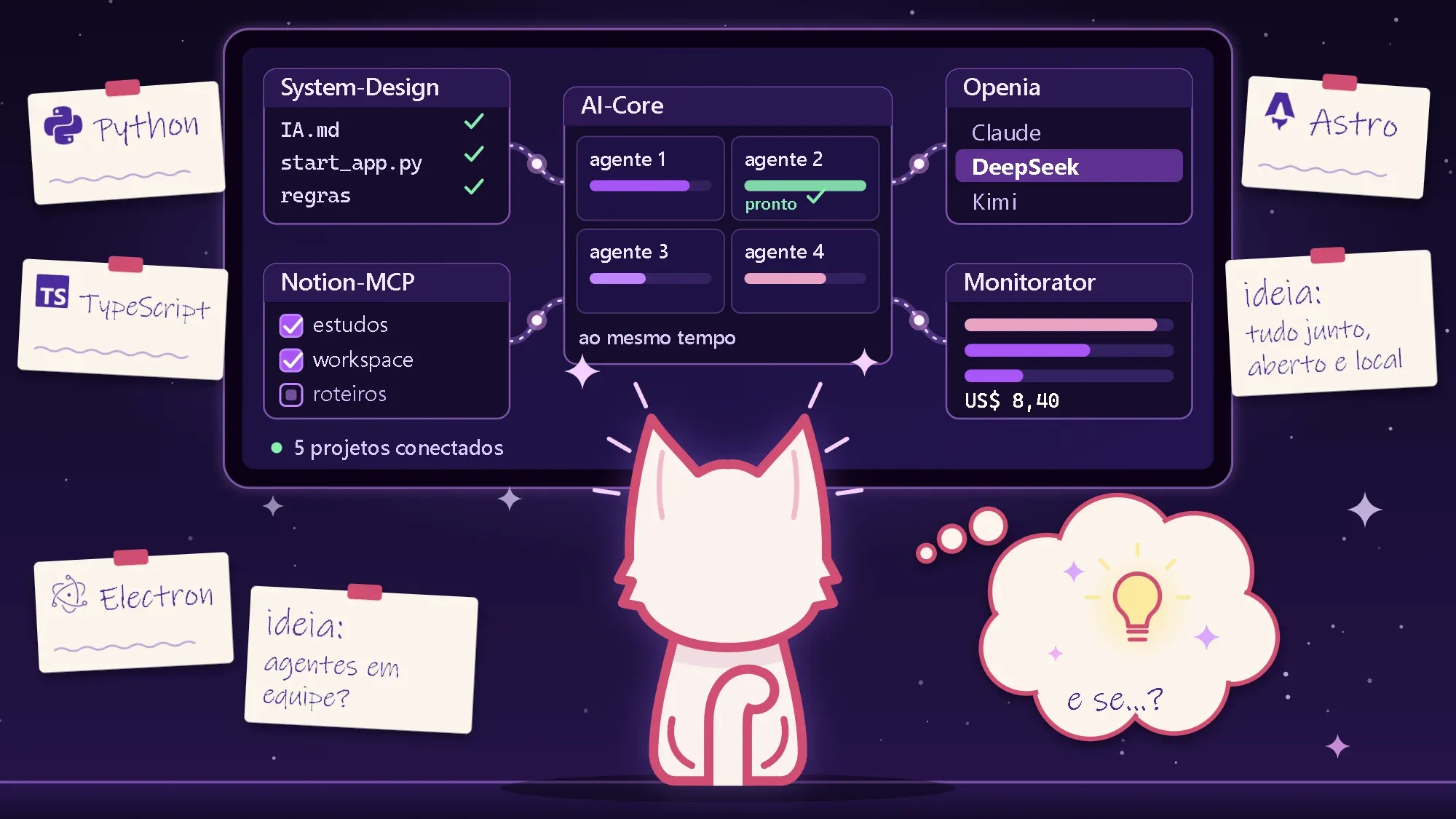
One of my main reasons for starting to write this blog was the desire to share my creations and interests with people who like this world of technology and AI. And for you who are just a student, or a non-technical user, I wrote this article hoping to light some spark of desire to learn how all of this works, none of it is rocket science, in fact, it’s quite easy to understand if you read everything carefully and attentively, just like I wrote this post with a lot of care for those who gave their time to get here! If I managed to hold your attention and brought you all the way to the end of this post, consider creating an account and commenting or just leaving a like with the options below.